In the Unreal Engine Level Sequence, I bound the car model to a camera rail that I created. By driving the current position value on the rail from 0 to 1, I assigned a driving animation to the car.
In addition, to achieve better camera movement, I referenced shots from Mad Max films as well as car commercials and other videos. I then keyframed each camera. Some cameras were equipped with camera rigs/cranes to create follow shots, but I still needed to manually keyframe the left–right and up–down camera movements.
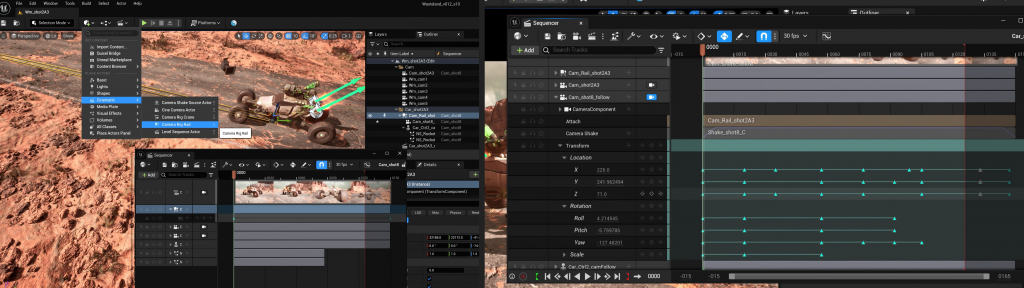
In total, I created 11 shots and keyframed the camera movement animation for all 11 shots.
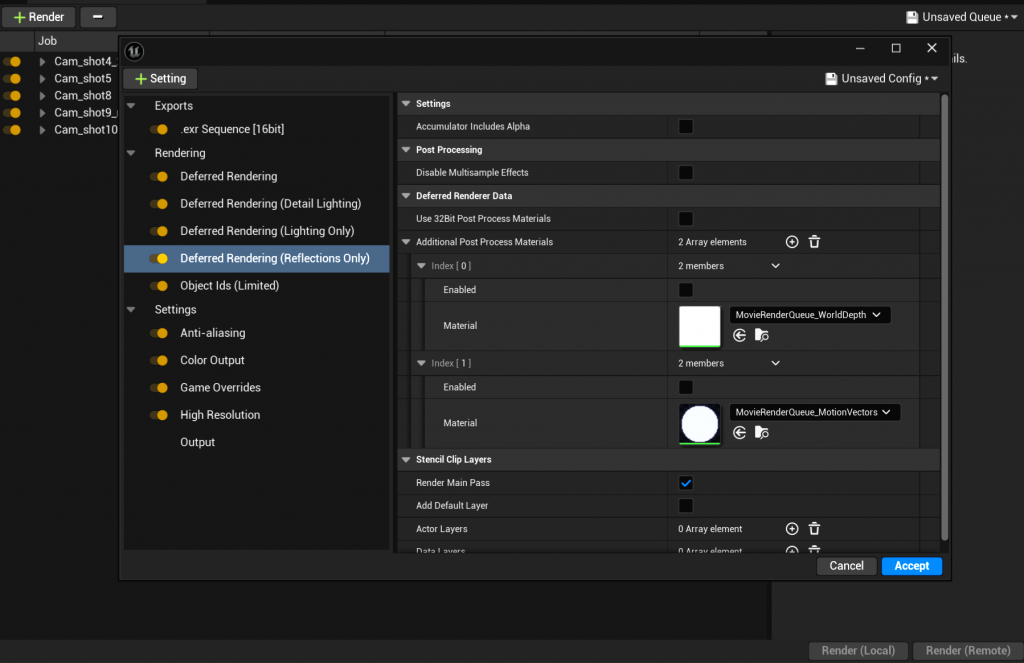
After completing the Level Sequence, I rendered it out. I needed multiple render passes such as ID passes, depth passes, lighting passes, effects passes, and so on. Therefore, I selected the corresponding options in the render settings and finally exported the results in EXR format to facilitate compositing in Nuke.
Leave a Reply